
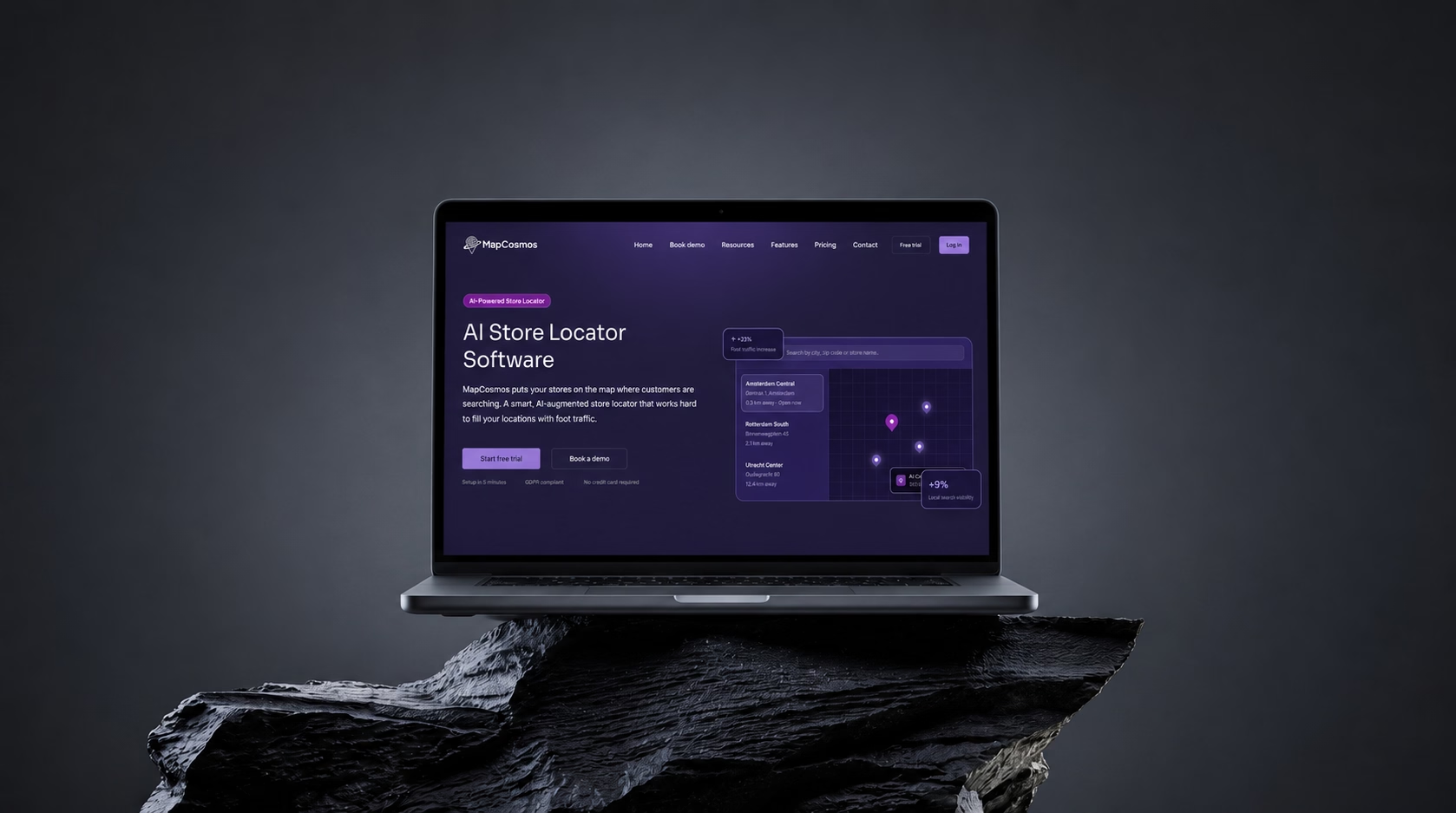
A product marketing website for a SaaS store locator tool
MapCosmos is an AI-powered store locator used by e-commerce brands to put their stockists on a map. I built the marketing site in Webflow on Client-First: sixty-nine pages, most of them generated from CMS templates rather than built by hand.
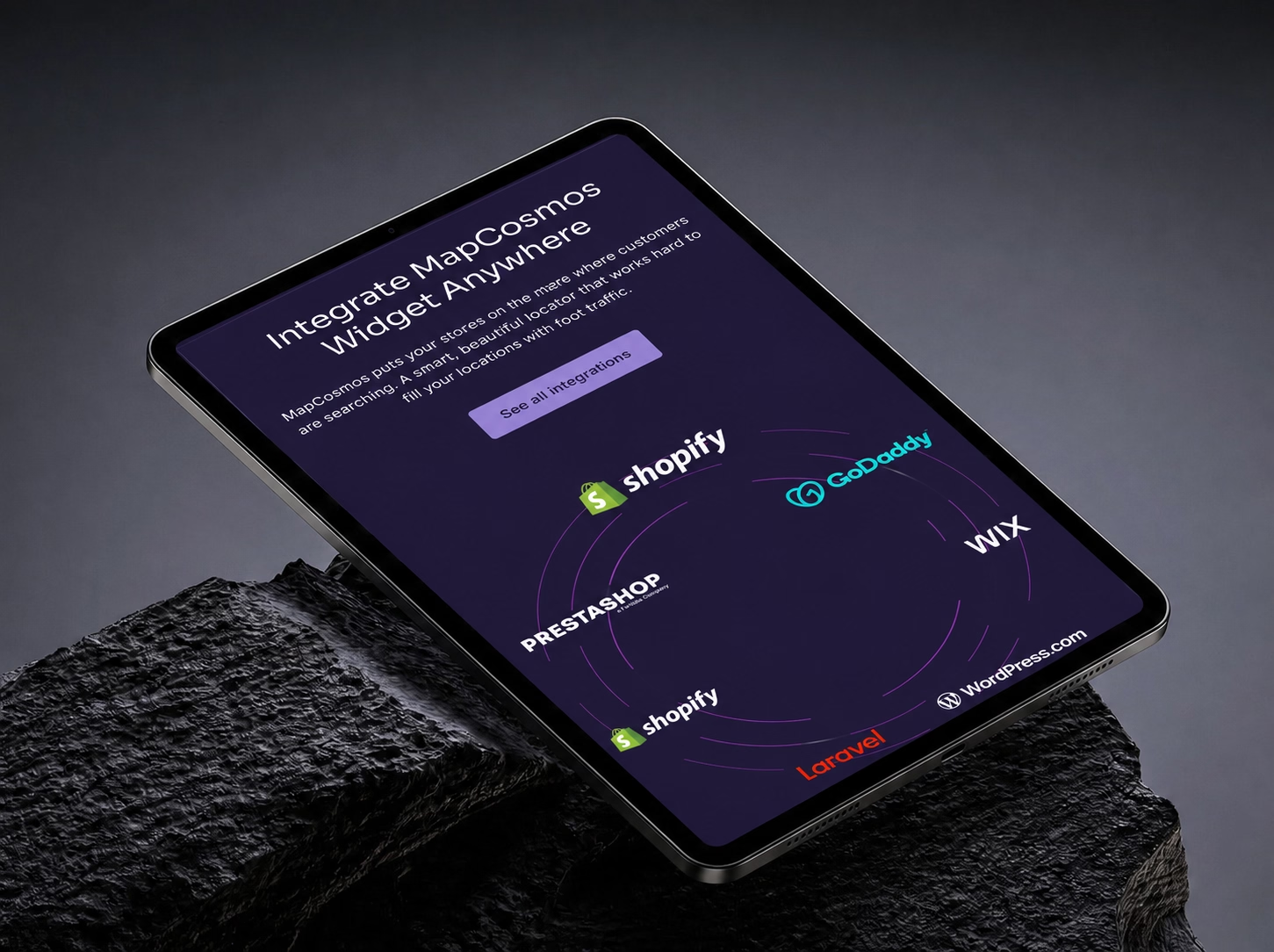
- 25 platform pages from one CMS template - Shopify to Django.
- Three competitor comparison pages - MetaLocator, Uberall.
- Calendly booking on the demo page - no email thread to arrange.
- Customer login panel - the app entrance sits on the site.
- 28-article blog on the CMS - published without a developer.
- Academy section for onboarding - docs the team can extend.
- Four schema blocks - Organization, WebSite, WebApplication.
Problems & solutions
A strong product with no website to sell it
A marketing site built to communicate the product clearly
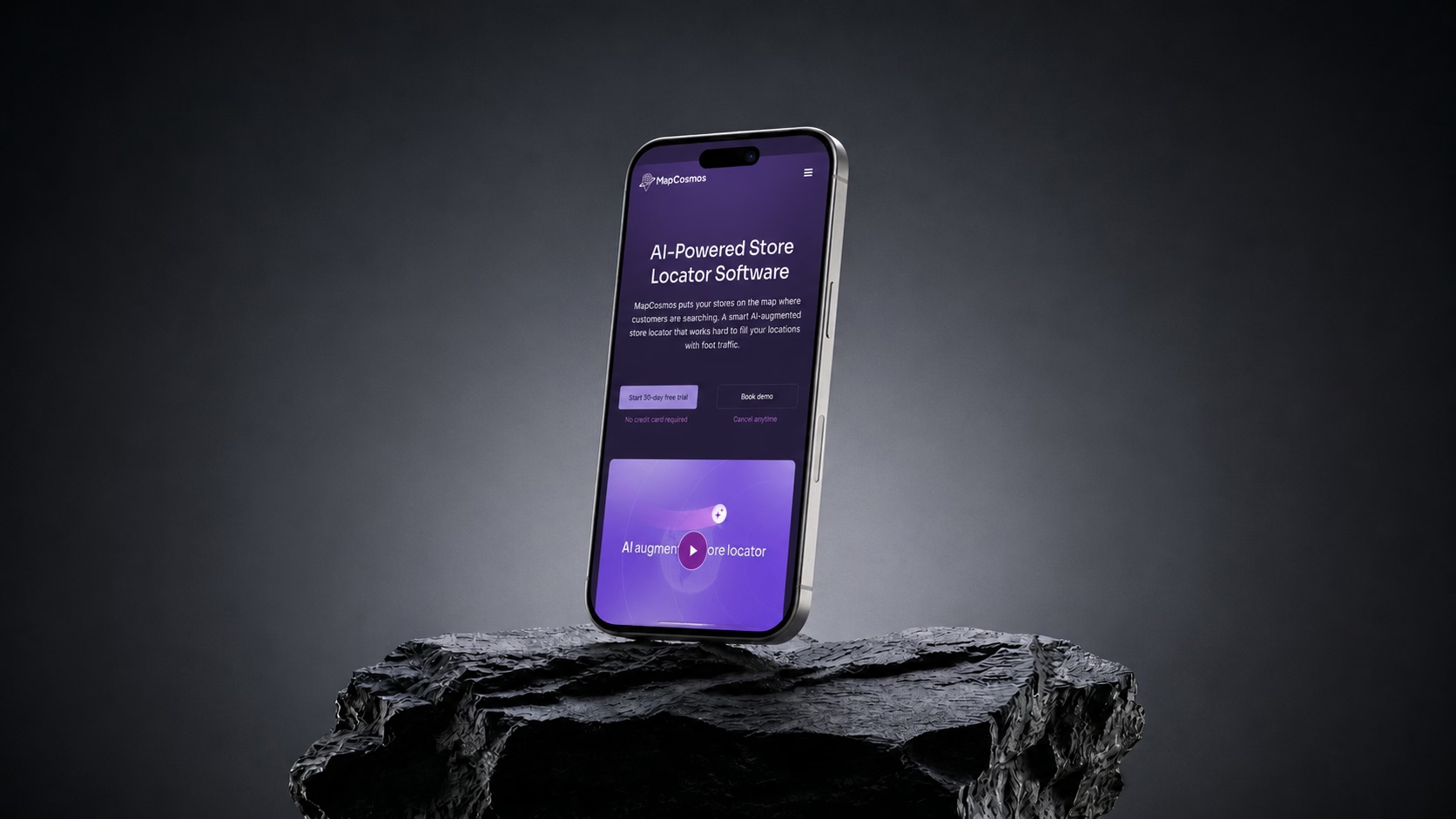
The product needed to be shown, not just described
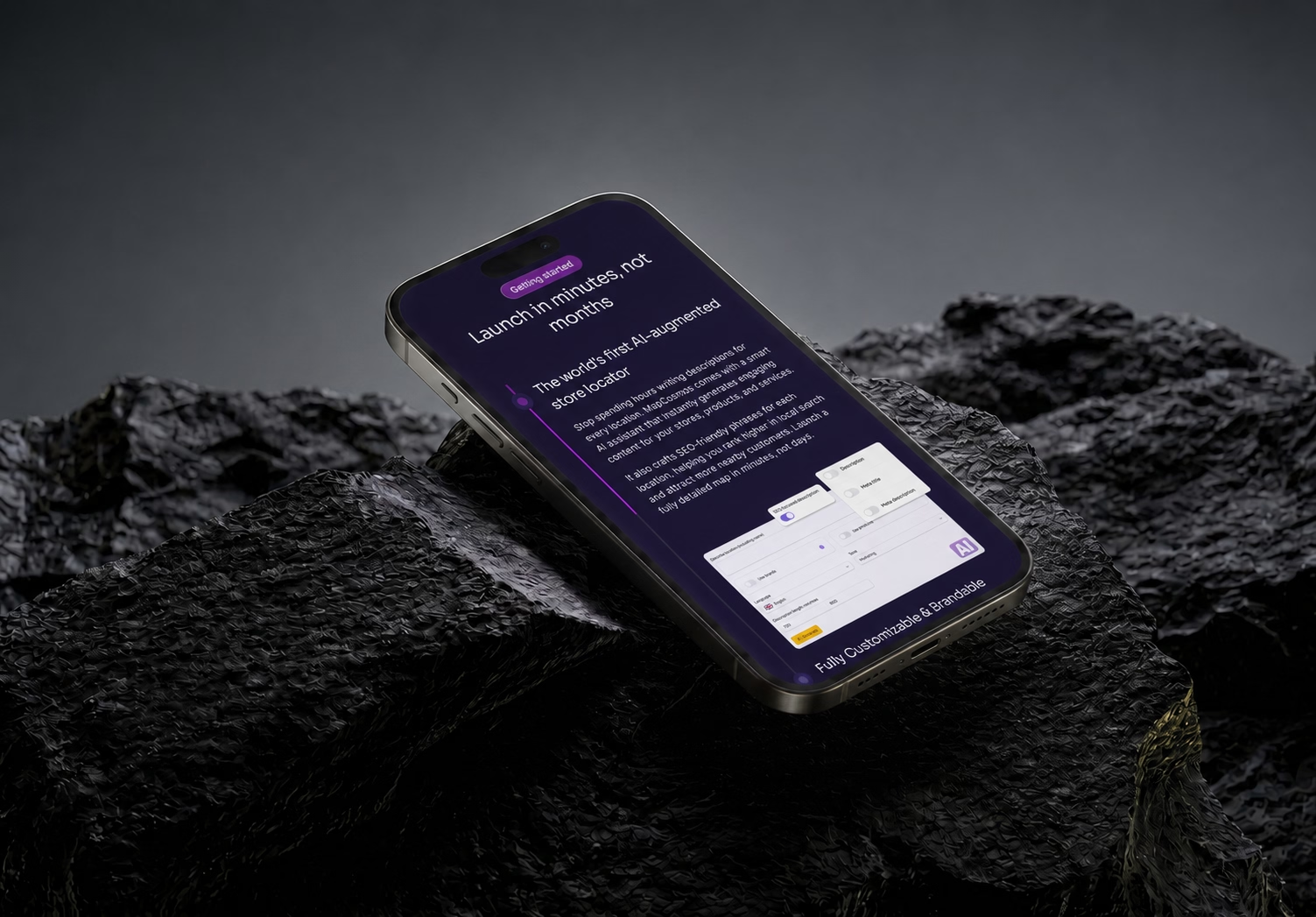
Interactive visuals that demonstrate the product in context
The site needed to work as a sales tool, not just a landing page
A conversion-focused structure built in Webflow
They Search for Their Platform, Not the Product
MapCosmos needed to be found by people who do not yet know the product exists. Nobody searches for a store locator; they search for a Shopify store locator, so every platform got its own page.
Results
A website that sells the product before anyone picks up the phone
A shorter path from interest to contact
A site the team keeps current themselves
Good to know
Can Webflow handle a website with hundreds of pages?
Yes, and the limits are higher than most articles say. Since May 2026 a paid Webflow site allows 300 static pages, 20,000 CMS items and 40 collections. MapCosmos runs 69 pages, of which 25 are platform landing pages rendering from a single CMS template. Page count is rarely the constraint.
How do you build landing pages for twenty-five platforms without building twenty-five pages?
One CMS template and one collection item per platform. The template holds the layout and shared copy; each item holds the platform name, its integration detail and its own meta tags. The constraint worth knowing is that a Webflow collection cannot cross-join with another, so a platform-by-service matrix has to be flattened into one collection.
Book a free 30-minute website call



Other Projects
Carpentry Business Website Design
A carpentry business needed a proper online presence to back up years of quality work. Clean project gallery, clear services, and built to show up in local search.


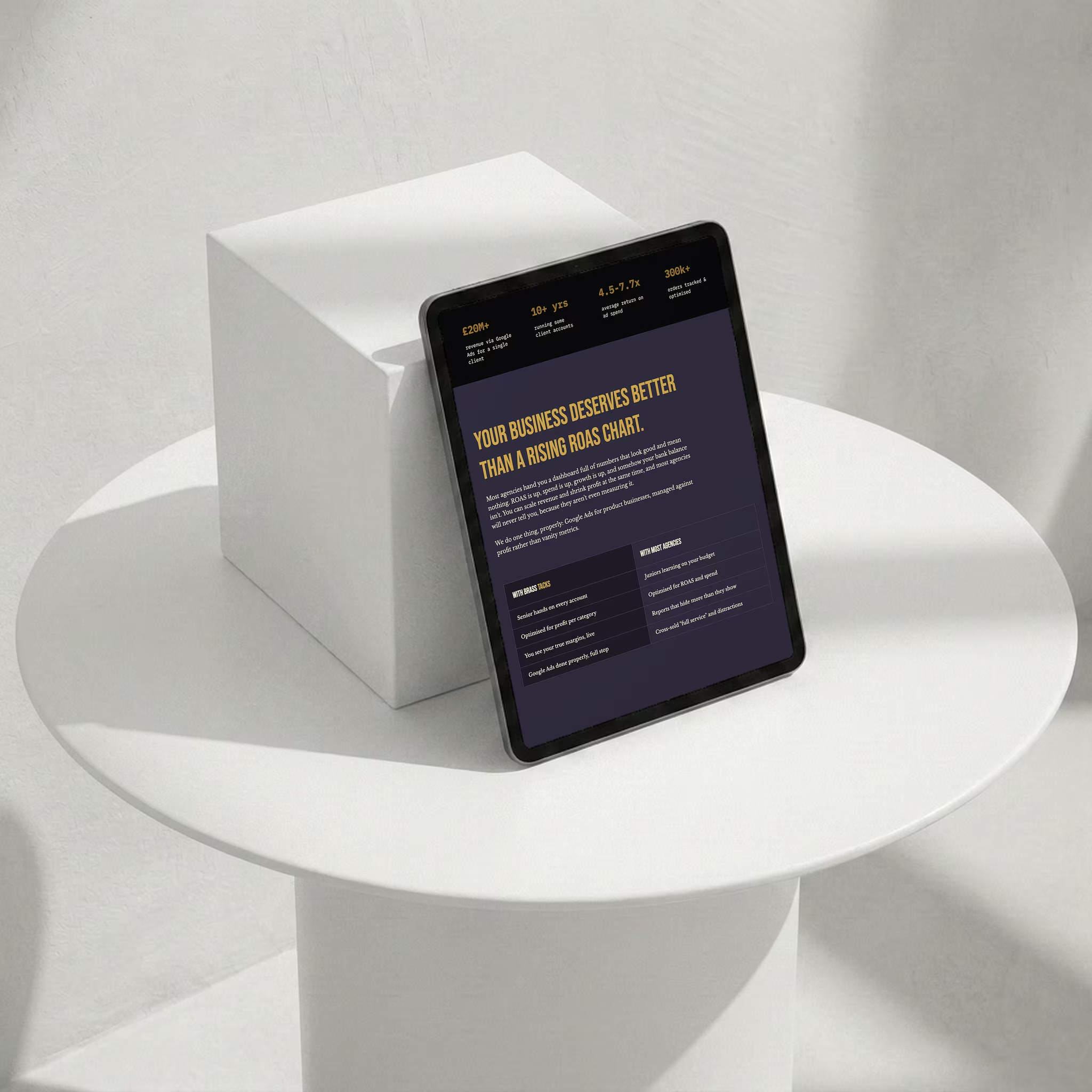
Google Ads Agency Website Design
A new Google Ads agency needed a site that could win six-figure ad budgets from day one. Proof numbers, flat-fee pricing and a free-audit funnel built to qualify.
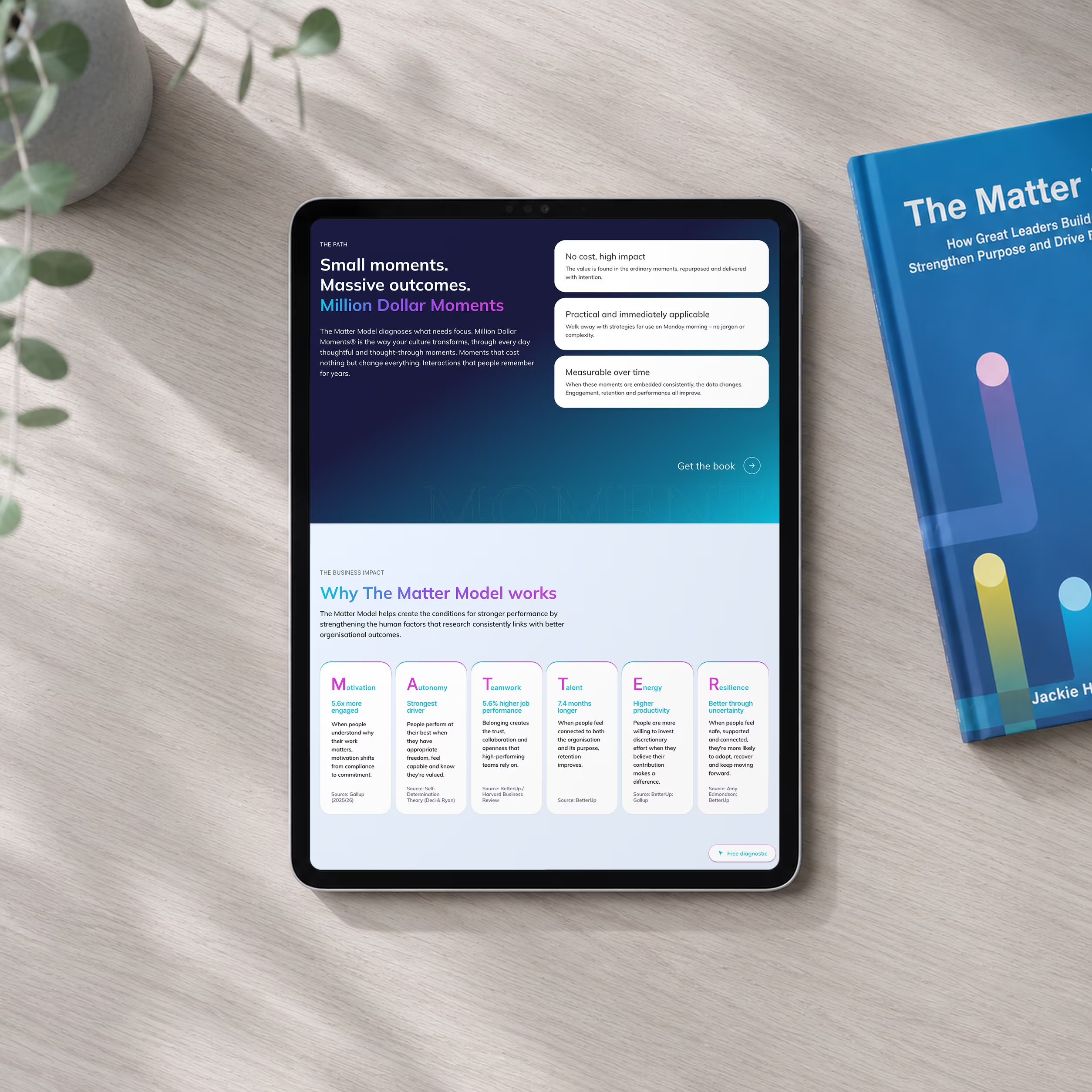
Keynote Speaker Website Design
A keynote speaker and author needed one home for thirty years of work. Fourteen pages designed from scratch, with a clear path from landing to booked call.
.png)